- Online only
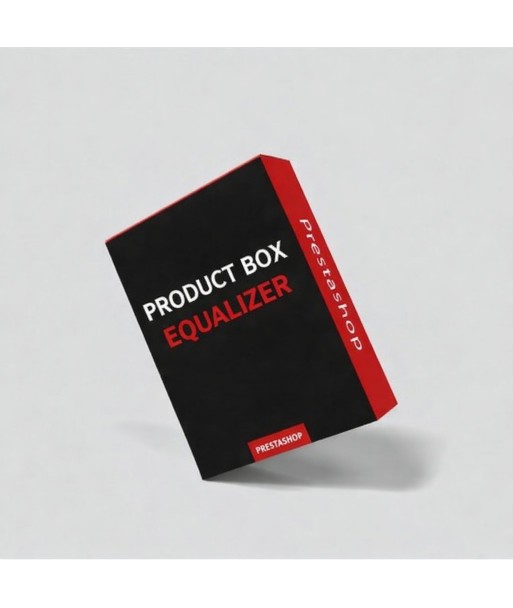

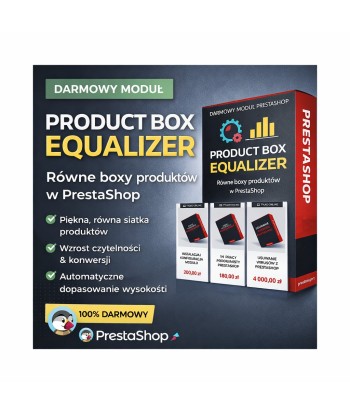
A free PrestaShop module that automatically aligns the height of product boxes in lists (categories, home page, product listings). No more ‘messy’ layouts – all products look neat and professional.

Are you having trouble with uneven product boxes in your PrestaShop shop? Different lengths of names, descriptions or additional elements make the product grid look untidy and chaotic.
Product Box Equalizer is a lightweight and free module that automatically aligns the height of all product boxes – without modifying the template.
Uneven product boxes are one of the most common visual issues in PrestaShop shops. They cause:
After installing the module:
100% free
PrestaExpert.pl – Professional solutions for PrestaShop

Basic technical support package for PrestaShop shops. Bug fixes, updates, backups. 180 minutes of support per month. Make use of our professional services!
Are you looking for support from an experienced PrestaShop developer?
PrestaShop Developer Services
We offer the services of a professional developer who will comprehensively manage your PrestaShop system. Whether you need a quick fix or are planning to implement new features, we are here to help.
During a one-hour session, our specialist can carry out a range of tasks: conduct a detailed review of the code and make the necessary corrections, as well as design and implement new features tailored to your needs. We guarantee a personalised approach and the highest quality of service.
Cool News is a blog module and news system for PrestaShop 1.7–9. It supports SEO, friendly URLs, tiles on the homepage, an articles list and a full post view. Ideal for publishing news, guides and reviews.
A comprehensive virus removal service for your PrestaShop shop. We check the source code, the database, online blacklists and browser entries. Your shop will regain full security and your customers’ trust.
A free PrestaShop module that automatically aligns the height of product boxes in lists (categories, home page, product listings). No more ‘messy’ layouts – all products look neat and professional.